The costs a helpdesk pricing page won't show you
Seats are the headline. The per-seat add-ons, the per-resolution AI meter, the storage overage and the implementation fee are the business. How to read a helpdesk pricing page before you sign.
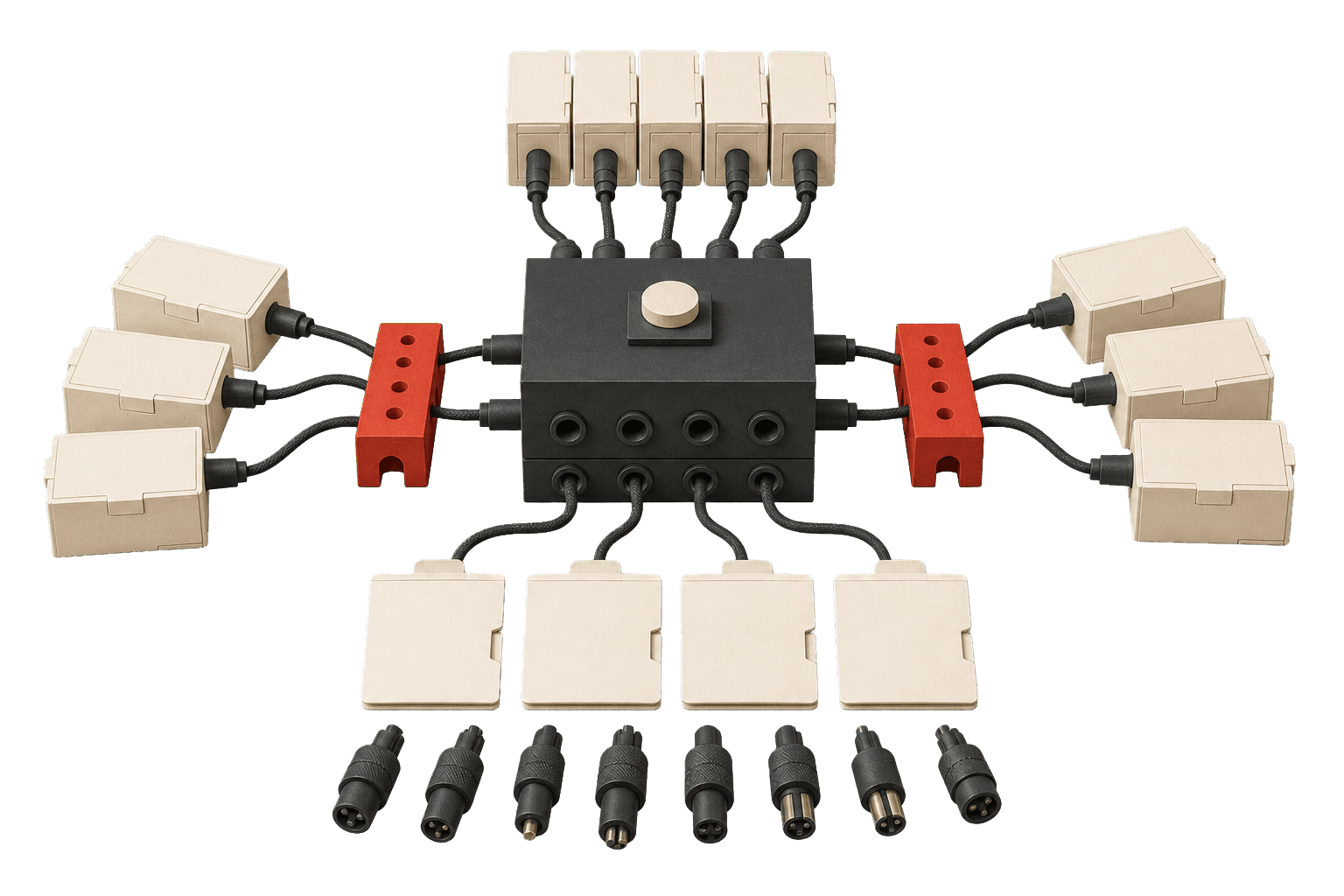
A helpdesk pricing page is built to be scanned, not budgeted from. It shows one tidy per-seat number, sizes it against a competitor's, and files everything that makes the real bill under links you click later — after the shortlist is set and the switching cost is halfway sunk. The total cost of ownership lives in those links. Here is what is hiding in them.
The seat price is a floor, not a ceiling
The tier you demo is rarely the tier you sign. Routing, SLAs and skills-based assignment — the things most teams treat as table stakes — tend to sit one plan above the headline number. Zendesk's entry Suite Team lists cheap; the tier where those features actually live is more than double it.
Per-seat pricing has exactly one honest property: it scales linearly with headcount, which is the curve you were probably trying to flatten. Every hire is a renewal increase you agreed to in advance.
The add-ons are where the demo lived
The features that closed the demo are often not in the plan at all. They are add-ons, each its own per-seat line. On Zendesk the AI copilot, workforce engagement and quality assurance are separate meters stacked on top of the seat:
Add the copilot and the workforce-engagement bundle to a Professional seat and you are close to double the sticker price before anyone logs a ticket. The pricing page shows you the seat. The quote shows you the stack.
A pricing page shows you the one number that wins the shortlist. The invoice shows you the five that didn't fit on it.