The helpdesk migration survival guide
Data loss, dead macros, broken integrations and reporting that resets to zero — what actually breaks when you switch helpdesks, and how to de-risk the cutover.
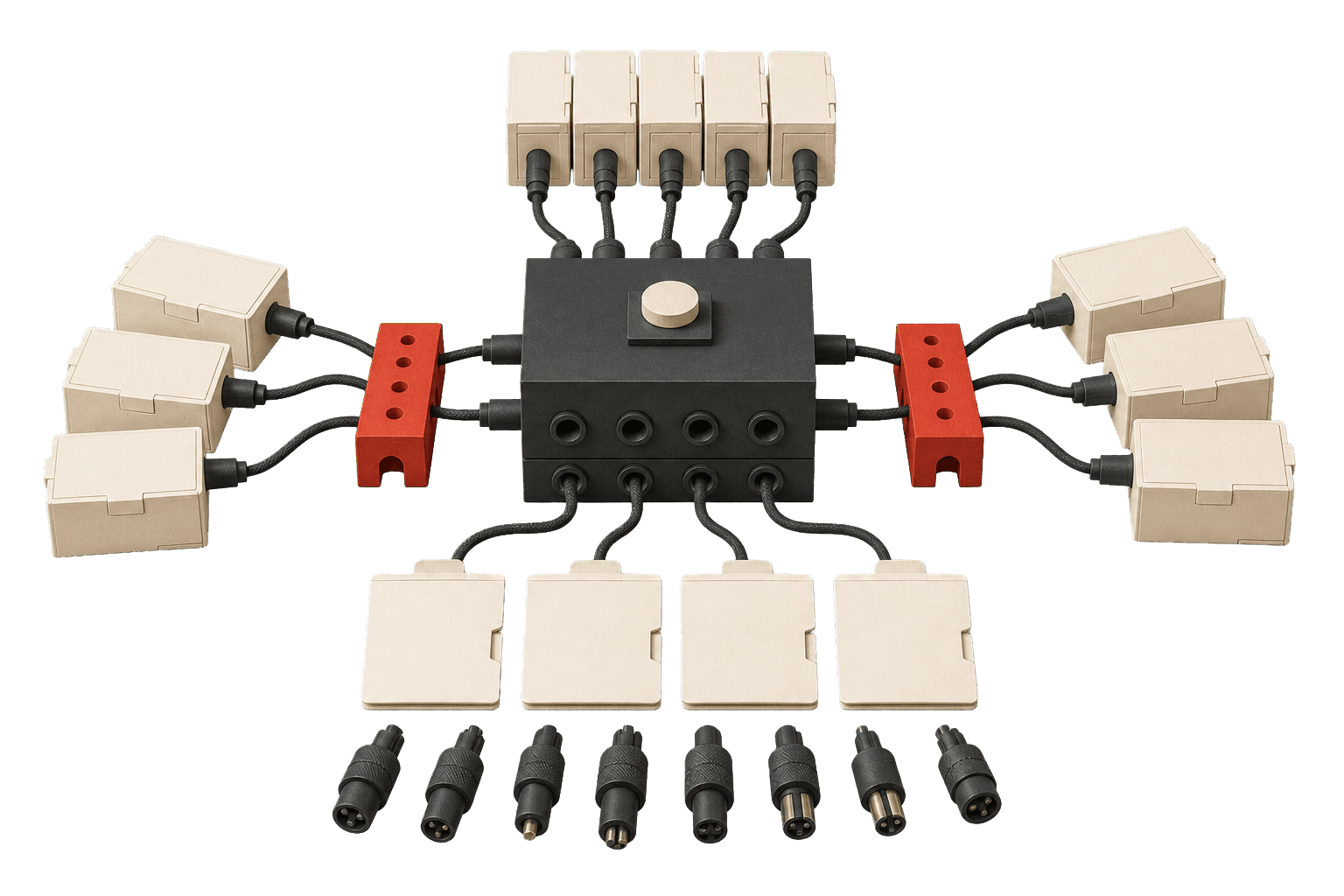
You migrate on a Saturday, because that's when the queue is quietest. By Sunday night every ticket is in the new tool, everyone can log in, and it looks like a clean win. Then Monday happens: the first reopened ticket arrives stripped of its history, the macro that used to route it sits there doing nothing, and the dashboard your manager screenshots every week reads zero.
The migration didn't fail at go-live. It failed quietly, in the four places nobody stress-tested.
The sticker price is not the price
Most moves start with a spreadsheet of per-agent list prices, and that spreadsheet is usually wrong. The tier you demo is rarely the tier you need. Zendesk Suite Team lists at $55 an agent, but the routing, SLAs and skills-based assignment most teams depend on live in Professional:
— with the AI copilot a further $50 on top. Switch vendors to escape one price and you often re-enter at the same altitude. The seat cost also hides the setup bill. HubSpot Service Hub Enterprise, for instance, carries a mandatory onboarding fee before you route a single ticket:
That is real switching cost, and it belongs in the business case next to the monthly seat total — not discovered in month two.
Audit before you export
A migration is the rare, sanctioned moment to throw things away. Before you export a single ticket, count what you actually use: the integrations, the sandbox seats, the "temporary" second tool that quietly became permanent. The waste is not hypothetical.
The wider trend is finally bending the right way. After a decade of accumulation, the average company's app count has started to fall:
Consolidation only happens if you force it during the move. Carry your mess across intact and you have simply paid to relocate it.
What actually breaks
Four categories break, roughly in this order of nastiness.
Data. Ticket history rarely maps one-to-one. Timestamps, author identities, internal notes versus public replies, custom fields and attachments all need explicit mapping, and ticket IDs almost always change — so every internal link and every "see ticket #4471" reference breaks silently.
Macros and automation. These do not port. They get rebuilt by hand, and triggers fire in a different order on the new engine, so a rule that looks identical behaves differently under load.
Integrations. Your telephony, order-lookup, billing and webhook connections each have to be re-authenticated and re-tested. An integration that "connected fine" is not the same as one that fires on the right event.
Reporting. This is the one that bites late. Metric definitions differ between platforms — first response time, business hours, what counts as "solved" — so your historical trend line snaps at the cutover date and nobody can tell whether performance actually changed.
A migration does not fail at go-live. It fails three weeks later, when the first monthly report comes out wrong and nobody can say why.
De-risk the cutover
Freeze, then verify. Announce a short write freeze on the old system so nothing is created mid-copy. Pull a stratified sample — fifty tickets spanning every type, channel and edge case — and diff them field by field against the source, rather than trusting a green "import complete" bar. Rebuild macros and automations in a staging instance and fire live-shaped test tickets through them. Map every integration to the exact event that should trigger it. And keep the old platform in read-only mode for at least a quarter, because the history you didn't migrate cleanly is the history someone will need on a compliance request.
The pricing model may have moved under you
If your move is toward an AI-first stack, expect the seat model itself to change shape. Outcome-based pricing is arriving — Intercom's Fin, for example, charges per resolution on top of seats:
That is a line item you have never had to forecast, and it scales with volume rather than headcount. Model it before you sign, not after your first busy month.
A helpdesk migration is really a TCO exercise wearing an IT-project costume. Get the numbers straight first — our support tooling benchmarks and the glossary definitions of the metrics that quietly change meaning between vendors are the two things worth reading before you export anything.
Figures cited